
 United States
  Australia
  Ireland
  United Kingdom
  Canada
  Singapore
  New Zealand
Text or voice input
The first step of every AI-assisted survey is a detailed description of the last four months: what the project is, what you tried, the problems that came up, and who worked on it and for how long.
You can type it, or switch to voice and simply say it. Your words appear in the box, ready to review before you continue.
Give as much detail as you can: figures, dates, what went wrong and what you changed. The more you describe, the less the AI has to infer, and the more documents you upload in the next step, the closer the survey is to what really happened.
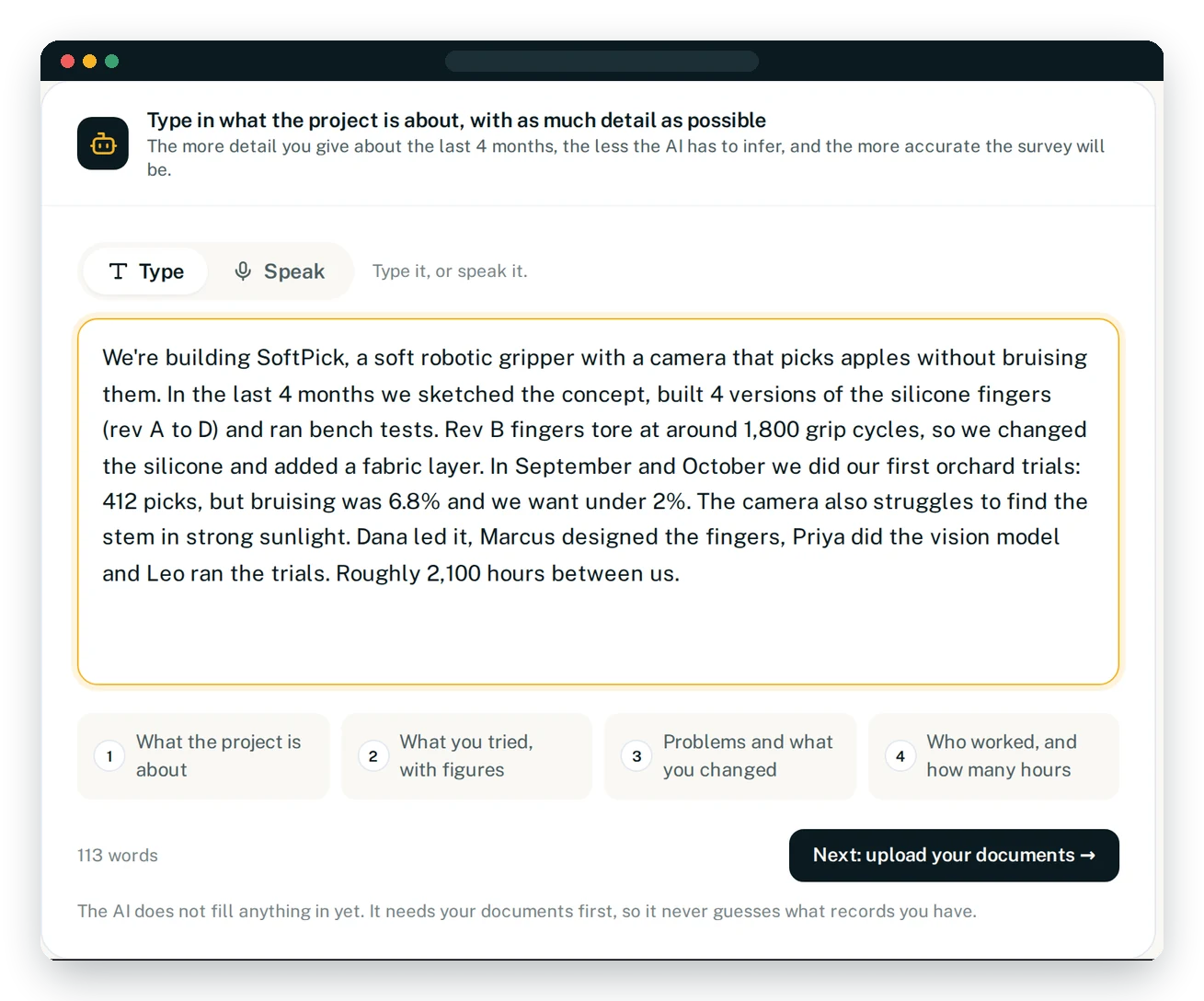
What to include
TaxTrex prompts you with four simple points, so nothing important is missed.
Your description should cover:
- ✓What the project is
- ✓What you tried during the period
- ✓Problems and technical challenges that came up
- ✓Who worked on it, and for roughly how long
Nothing is filled in at this stage. TaxTrex AI waits until it has read your documents, so it never guesses what records you have.