
 United States
  Australia
  Ireland
  United Kingdom
  Canada
  Singapore
  New Zealand
Manual and AI mode
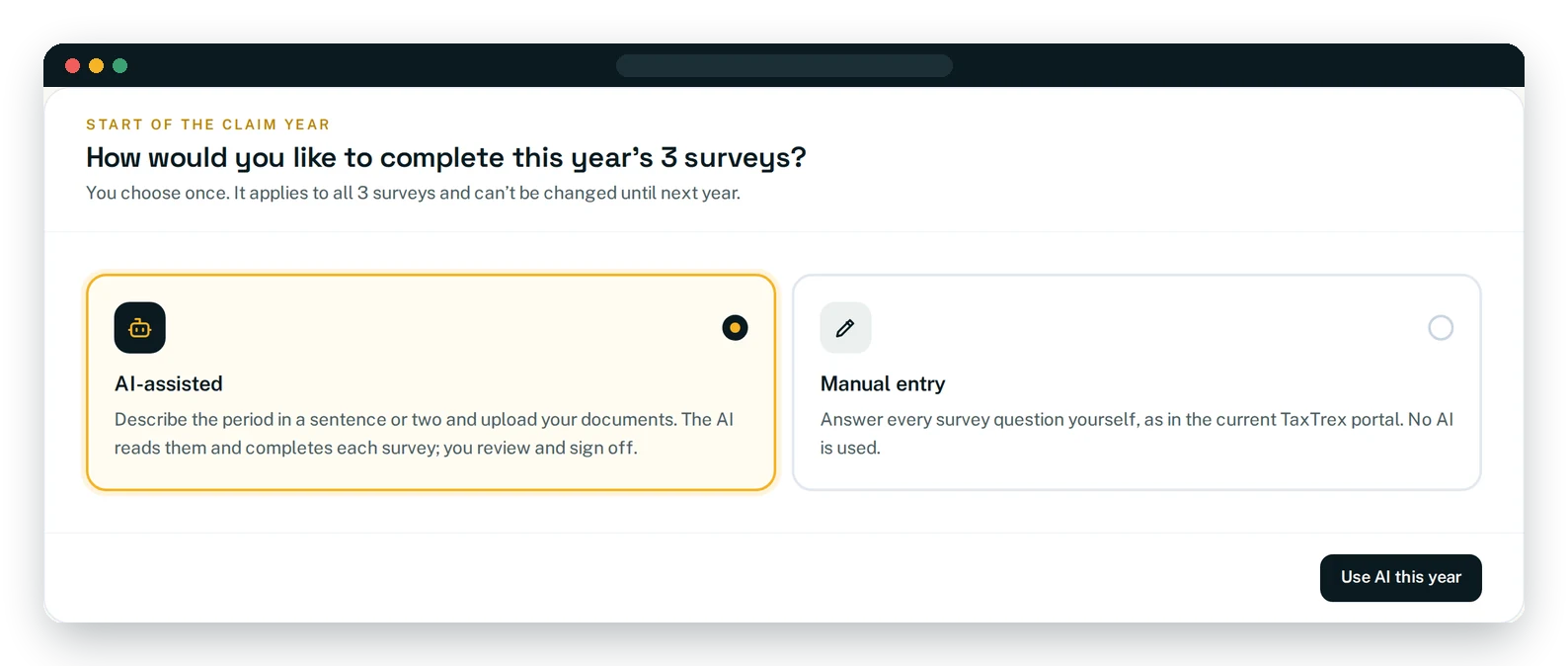
TaxTrex gives you two ways to complete your surveys, and you choose once, at the start of the claim year.
In AI-assisted mode, you describe the project in as much detail as you can and upload your documents. TaxTrex AI reads them, completes each survey and shows you exactly what it wrote; you review, edit and sign off.
In manual mode, you answer every survey question yourself and attach your supporting documents, just as TaxTrex surveys have always worked. No AI is used.
- ✓One method for all three surveys keeps the year’s record consistent
- ✓You can change your choice until the first survey of the year is signed
- ✓Either way, only you can sign off a survey, and every sign-off is time-stamped
Prefer to do it yourself? Manual mode is still here.
Some teams prefer to answer every question themselves, or keep records that are better entered by hand. Manual mode keeps the original TaxTrex survey exactly as it is: the same three surveys, the same questions and the same time-stamped sign-off.